---
title: Tilt Menu
description: The page swings aside and tilts to show a full menu behind it.
category: Navigation
tier: free
url: https://ui.dimaac.com/components/tilt-menu
registry: https://ui.dimaac.com/r/tilt-menu.json
---

# Tilt Menu

A full-screen menu that lives behind the page. Opening it swings the page away to one side and tilts it like a door on a slow-fast-slow curve, its corners rounding off as it lifts, while the links slide in after it. Every label rolls up letter by letter on hover or keyboard focus, and a link can open a small photo out of its label. The menu button is a real button with aria-expanded; focus moves into the menu, Tab stays inside it, Escape or a click on the tilted page closes it, and focus goes back to the button. With reduced motion the page simply fades over the menu and the letters stay still. Built with GSAP, SplitText and CustomEase.

## Install

With the shadcn CLI:

```bash
npx shadcn@latest add https://ui.dimaac.com/r/tilt-menu.json
pnpm dlx shadcn@latest add https://ui.dimaac.com/r/tilt-menu.json
bunx --bun shadcn@latest add https://ui.dimaac.com/r/tilt-menu.json
```

With the `@dimaac` namespace in components.json: `npx shadcn@latest add @dimaac/tilt-menu`

Dependencies:

```bash
pnpm add gsap @gsap/react
npm install gsap @gsap/react
```

By hand:

1. Install the packages it uses: gsap, @gsap/react.
2. Copy the component file below into components/dimaac/tilt-menu.tsx.
3. It's styled with Tailwind v4 classes. If that folder sits outside the places Tailwind scans, add it with @source in your CSS.
4. Import it with import { TiltMenu } from "@/components/dimaac/tilt-menu" and give its parent a size: it fills it.

## Usage

```tsx
import { TiltMenu } from "@/components/dimaac/tilt-menu";

<TiltMenu links={links} />
```

## Props

| Prop | Type | Default | Description |
| --- | --- | --- | --- |
| `links` (required) | `TiltMenuLink[]` | - | The menu's links, top first. Three to six short words look best. |
| `tilt` | `number` | `12` | How far the page tilts when the menu is open, in degrees. |
| `shift` | `number` | `50` | How far the page slides aside when the menu is open, as a share of its width (50 = half). |
| `duration` | `number` | `0.77` | How long the page takes to swing open or shut, in seconds. |
| `side` | `"left" \| "right"` | `"right"` | The side the menu opens on. The page swings away to the other side. |
| `open` | `boolean` | - | Opens the menu from outside. Leave it out and the component keeps its own state. |
| `defaultOpen` | `boolean` | `false` | Whether the menu starts open (only when `open` is left out). |
| `onOpenChange` | `(open: boolean) => void` | - | Called with the new state when the menu opens or closes. |
| `brand` | `ReactNode` | - | The logo or name at the top of the page, next to the menu button. |
| `menuLabel` | `string` | `"Menu"` | Text on the button that opens the menu. |
| `closeLabel` | `string` | `"Close"` | Text on the button that closes it. |
| `menuFooter` | `ReactNode` | - | Small print at the bottom of the menu, e.g. an email address. |
| `className` | `string` | `""` | Extra classes for the outer box. Give it a size (it fills it). |
| `pageClassName` | `string` | `"bg-white text-black dark:bg-neutral-950 dark:text-white"` | Classes for the page: its background and text colour. |
| `menuClassName` | `string` | `"bg-black text-white dark:bg-[#efede8] dark:text-black"` | Classes for the menu: its background and text colour. |
| `linkClassName` | `string` | `"text-[clamp(2.5rem,8vw,4.5rem)] leading-[0.95] font-bold tracking-[-0.02em] uppercase"` | Classes for each link: its font and size. |
| `buttonClassName` | `string` | `"text-[1.5rem] leading-none uppercase"` | Classes for the menu and close buttons. |
| `children` | `ReactNode` | - | The page itself. It scrolls inside the box. |

## Credits

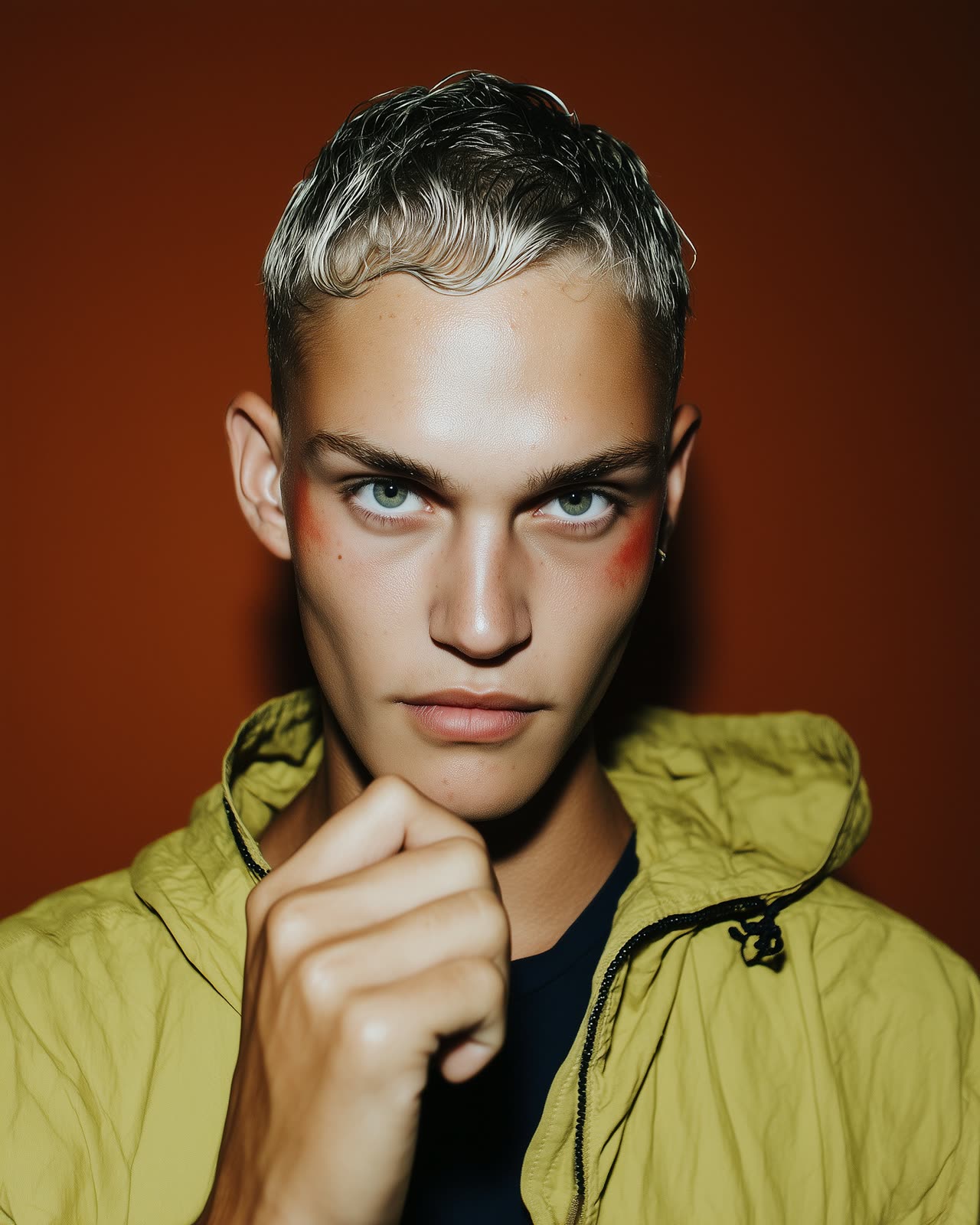
- Portrait: Amino, Lummi (https://www.lummi.ai/photo/vivid-portrait-on-pink-oxbow), Lummi License
- Portrait: Benginur Hajjaj, Lummi (https://www.lummi.ai/photo/calm-portrait-d1zqo), Lummi License
- Portrait: Steph Meade, Lummi (https://www.lummi.ai/photo/expressive-minimal-portrait-jrfyc), Lummi License
- Portrait: SHIHO, Lummi (https://www.lummi.ai/photo/vibrant-woman-portrait-htofy), Lummi License
- Portrait: studiomiklus, Lummi (https://www.lummi.ai/photo/striking-portrait-jodiu), Lummi License
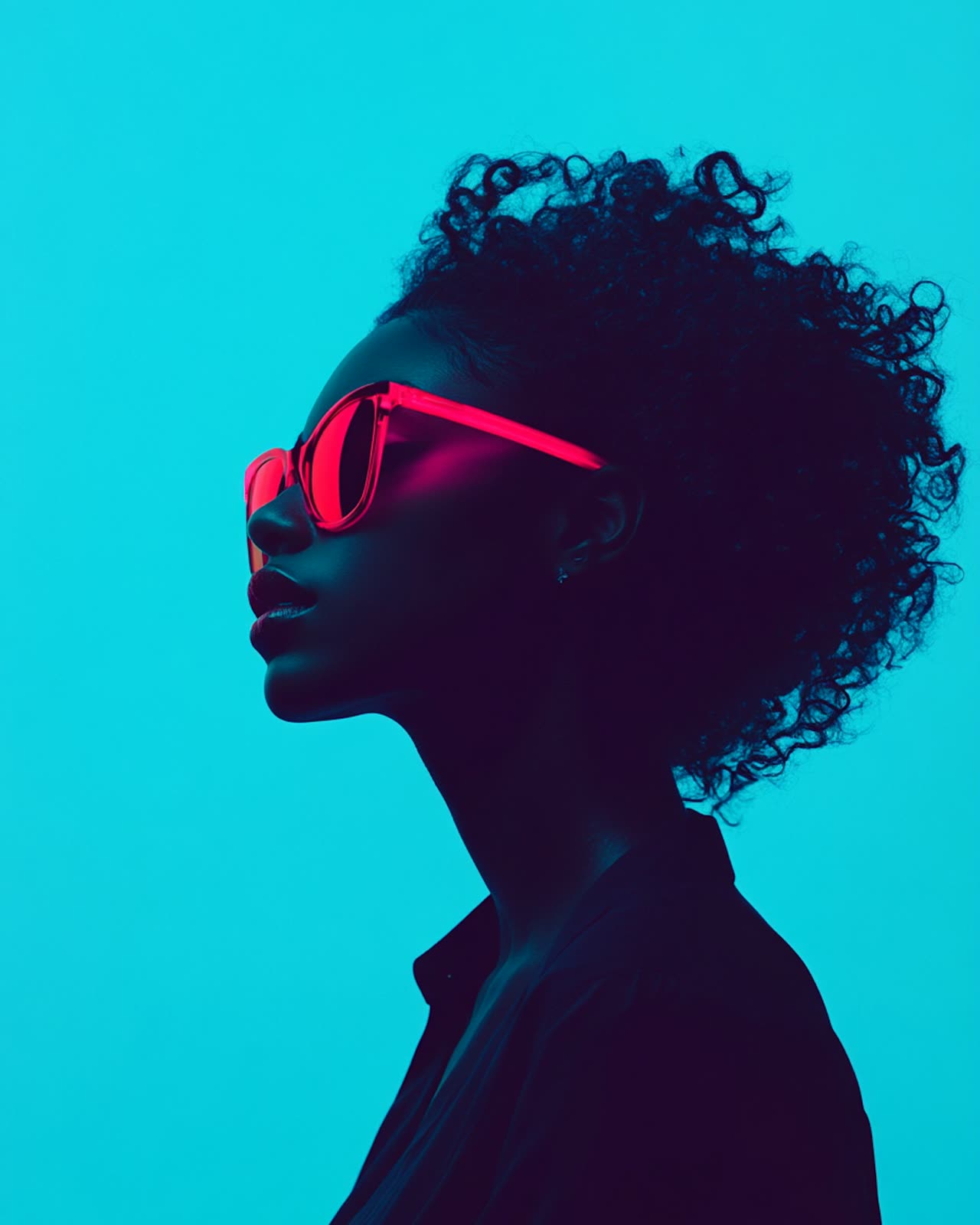
- Portrait: Shaun Duval, Lummi (https://www.lummi.ai/photo/portrait-with-neon-sunglasses-gindg), Lummi License
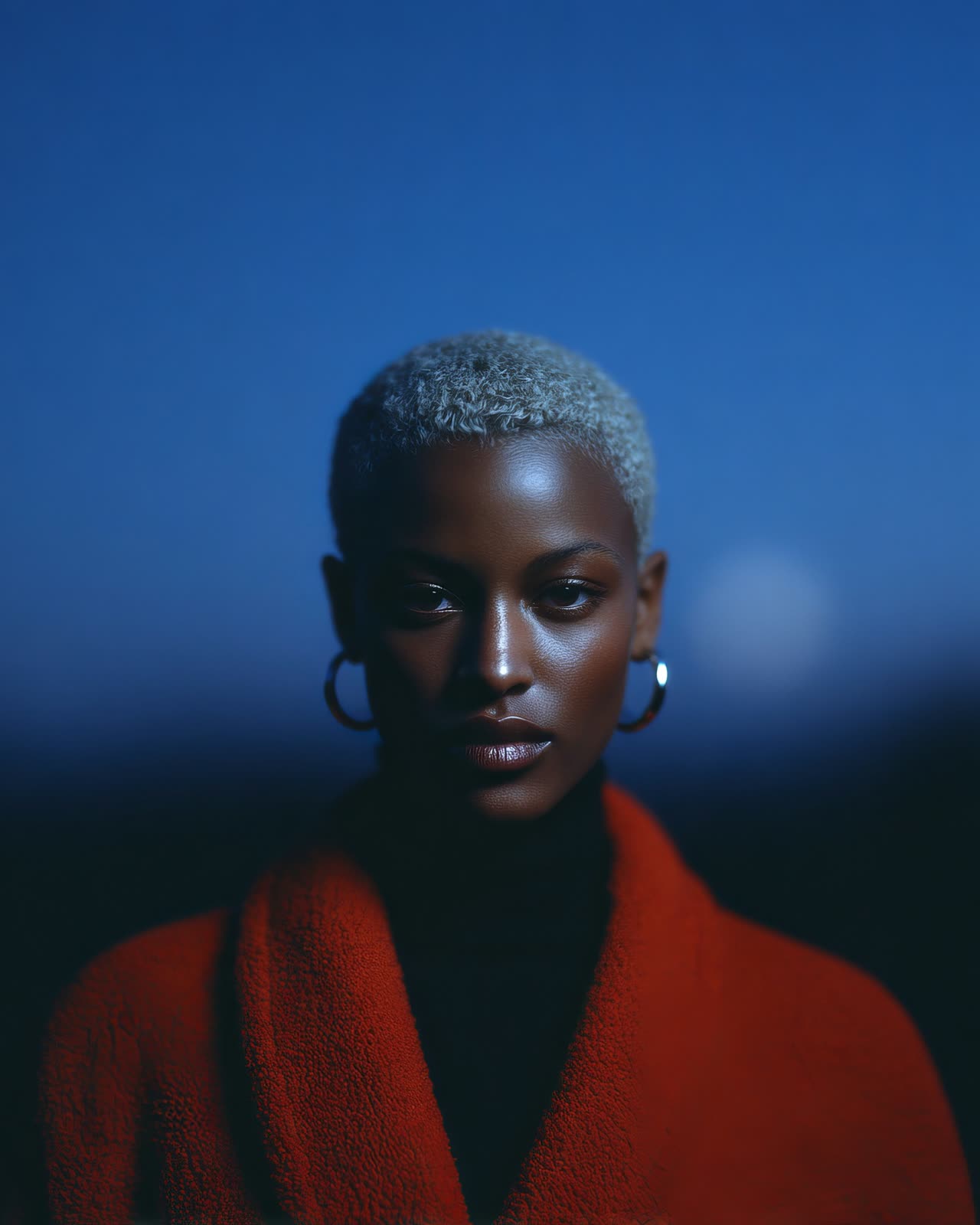
- Portrait: Lloyd Creates, Lummi (https://www.lummi.ai/photo/poised-portrait-ooi9b), Lummi License

## Source

### tilt-menu.tsx → `components/dimaac/tilt-menu.tsx`

```tsx
"use client";

import { useEffect, useId, useRef, useState, useSyncExternalStore, type KeyboardEvent, type ReactNode } from "react";
import { gsap } from "gsap";
import { useGSAP } from "@gsap/react";
import { CustomEase } from "gsap/CustomEase";
import { SplitText } from "gsap/SplitText";

// A full-screen menu that sits behind the page. Opening it swings the page aside and tilts it,
// like a door, so the menu shows in the gap. Every label rolls up letter by letter on hover:
// each label is written twice, one copy on top of the other, and the letters of the top copy
// slide up out of their masks while the letters of the copy below slide in.

if (typeof window !== "undefined") {
  gsap.registerPlugin(useGSAP, CustomEase, SplitText);
  // The swing: slow start, quick middle, soft landing
  if (!CustomEase.get("tiltMenu")) CustomEase.create("tiltMenu", "M0,0 C0.55,0 0.45,1 1,1");
}

export type TiltMenuLink = {
  /** The text of the link */
  label: string;
  /** Where it goes */
  href: string;
  /** A photo that opens next to the label on hover. Decorative, so it has no alt text. */
  image?: string;
};

export type TiltMenuProps = {
  /** The menu's links, top first. Three to six short words look best. */
  links: TiltMenuLink[];
  /** How far the page tilts when the menu is open, in degrees. */
  tilt?: number;
  /** How far the page slides aside when the menu is open, as a share of its width (50 = half). */
  shift?: number;
  /** How long the page takes to swing open or shut, in seconds. */
  duration?: number;
  /** The side the menu opens on. The page swings away to the other side. */
  side?: "left" | "right";
  /** Opens the menu from outside. Leave it out and the component keeps its own state. */
  open?: boolean;
  /** Whether the menu starts open (only when `open` is left out). */
  defaultOpen?: boolean;
  /** Called with the new state when the menu opens or closes. */
  onOpenChange?: (open: boolean) => void;
  /** The logo or name at the top of the page, next to the menu button. */
  brand?: ReactNode;
  /** Text on the button that opens the menu. */
  menuLabel?: string;
  /** Text on the button that closes it. */
  closeLabel?: string;
  /** Small print at the bottom of the menu, e.g. an email address. */
  menuFooter?: ReactNode;
  /** Extra classes for the outer box. Give it a size (it fills it). */
  className?: string;
  /** Classes for the page: its background and text colour. */
  pageClassName?: string;
  /** Classes for the menu: its background and text colour. */
  menuClassName?: string;
  /** Classes for each link: its font and size. */
  linkClassName?: string;
  /** Classes for the menu and close buttons. */
  buttonClassName?: string;
  /** The page itself. It scrolls inside the box. */
  children?: ReactNode;
};

// prefers-reduced-motion, live
function subscribeToMotion(onChange: () => void) {
  const query = window.matchMedia("(prefers-reduced-motion: reduce)");
  query.addEventListener("change", onChange);
  return () => query.removeEventListener("change", onChange);
}
const prefersReducedMotion = () => window.matchMedia("(prefers-reduced-motion: reduce)").matches;

// A label written twice for the roll. Screen readers read the hidden copy once; the two visible
// copies are aria-hidden. The bottom copy stays invisible until its letters are split and moved down.
function RollText({ label }: { label: string }) {
  return (
    <span data-roll className="relative inline-block whitespace-nowrap">
      <span className="sr-only">{label}</span>
      <span data-roll-front aria-hidden="true" className="inline-block">
        {label}
      </span>
      <span data-roll-back aria-hidden="true" className="absolute top-0 left-0 inline-block" style={{ visibility: "hidden" }}>
        {label}
      </span>
    </span>
  );
}

export function TiltMenu({
  links,
  tilt = 12,
  shift = 50,
  duration = 0.77,
  side = "right",
  open,
  defaultOpen = false,
  onOpenChange,
  brand,
  menuLabel = "Menu",
  closeLabel = "Close",
  menuFooter,
  className = "",
  pageClassName = "bg-white text-black dark:bg-neutral-950 dark:text-white",
  menuClassName = "bg-black text-white dark:bg-[#efede8] dark:text-black",
  linkClassName = "text-[clamp(2.5rem,8vw,4.5rem)] leading-[0.95] font-bold tracking-[-0.02em] uppercase",
  buttonClassName = "text-[1.5rem] leading-none uppercase",
  children,
}: TiltMenuProps) {
  const rootRef = useRef<HTMLDivElement>(null);
  const pageRef = useRef<HTMLDivElement>(null);
  const navRef = useRef<HTMLElement>(null);
  const toggleRef = useRef<HTMLButtonElement>(null);
  const closeRef = useRef<HTMLButtonElement>(null);
  const menuId = useId();
  const reducedMotion = useSyncExternalStore(subscribeToMotion, prefersReducedMotion, () => false);

  // Controlled when `open` is passed, otherwise the component keeps its own state
  const [ownOpen, setOwnOpen] = useState(defaultOpen);
  const isOpen = open ?? ownOpen;
  const onOpenChangeRef = useRef(onOpenChange);
  onOpenChangeRef.current = onOpenChange;
  const setOpen = (next: boolean) => {
    if (open === undefined) setOwnOpen(next);
    onOpenChangeRef.current?.(next);
  };
  const setOpenRef = useRef(setOpen);
  setOpenRef.current = setOpen;

  // +1 when the menu is on the right (the page swings left), -1 when it's on the left
  const direction = side === "right" ? 1 : -1;

  // The rolls. Built again only when the labels change, not on every render.
  const labelsKey = [menuLabel, closeLabel, ...links.map((link) => `${link.label} ${link.image ?? ""}`)].join("|");
  useGSAP(
    () => {
      const root = rootRef.current;
      if (!root) return;
      const cleanups: (() => void)[] = [];

      root.querySelectorAll<HTMLElement>("[data-roll]").forEach((roll) => {
        const front = roll.querySelector<HTMLElement>("[data-roll-front]");
        const back = roll.querySelector<HTMLElement>("[data-roll-back]");
        const trigger = roll.closest<HTMLElement>("a, button") ?? roll;
        const thumb = trigger.querySelector<HTMLElement>("[data-thumb]");
        if (!front || !back) return;

        // The photo opens out of the label: from its right edge when it sits left of the label
        const hiddenClip = trigger.dataset.side === "right" ? "inset(0% 0% 0% 100%)" : "inset(0% 100% 0% 0%)";
        let play: () => void;
        let reverse: () => void;

        if (reducedMotion) {
          // No roll: the photo just shows while the link is hovered or focused
          if (thumb) gsap.set(thumb, { clipPath: hiddenClip });
          play = () => thumb && gsap.set(thumb, { clipPath: "inset(0% 0% 0% 0%)" });
          reverse = () => thumb && gsap.set(thumb, { clipPath: hiddenClip });
        } else {
          const outgoing = SplitText.create(front, { type: "chars", mask: "chars", aria: "none" });
          const incoming = SplitText.create(back, { type: "chars", mask: "chars", aria: "none" });
          gsap.set(incoming.chars, { yPercent: 100 });
          gsap.set(back, { visibility: "visible" });

          const label = front.textContent ?? "";
          const roll = gsap.timeline({
            paused: true,
            defaults: { duration: 0.45, ease: "power3.inOut", stagger: Math.min(0.022, 0.25 / Math.max(label.length, 1)) },
          });
          roll.to(outgoing.chars, { yPercent: -100 }).to(incoming.chars, { yPercent: 0 }, 0);
          if (thumb) {
            roll.fromTo(thumb, { clipPath: hiddenClip }, { clipPath: "inset(0% 0% 0% 0%)", duration: 0.6, ease: "power3.out", stagger: 0 }, 0);
            roll.fromTo(thumb.firstElementChild, { scale: 1.35 }, { scale: 1, duration: 0.7, ease: "power3.out", stagger: 0 }, 0);
          }
          play = () => roll.play();
          reverse = () => roll.reverse();
          cleanups.push(() => {
            roll.kill();
            outgoing.revert();
            incoming.revert();
          });
        }

        // Keyboard focus rolls it too, but not the focus a click leaves behind
        const onFocus = () => trigger.matches(":focus-visible") && play();
        trigger.addEventListener("mouseenter", play);
        trigger.addEventListener("mouseleave", reverse);
        trigger.addEventListener("focus", onFocus);
        trigger.addEventListener("blur", reverse);
        cleanups.push(() => {
          trigger.removeEventListener("mouseenter", play);
          trigger.removeEventListener("mouseleave", reverse);
          trigger.removeEventListener("focus", onFocus);
          trigger.removeEventListener("blur", reverse);
        });
      });

      return () => cleanups.forEach((cleanup) => cleanup());
    },
    { scope: rootRef, dependencies: [labelsKey, side, reducedMotion], revertOnUpdate: true },
  );

  // The swing. A new tilt, shift or side while the menu is open moves the page straight there.
  const firstSwing = useRef(true);
  const wasOpen = useRef(isOpen);
  useGSAP(
    () => {
      const page = pageRef.current;
      const nav = navRef.current;
      if (!page || !nav) return;
      const items = nav.querySelectorAll<HTMLElement>("[data-menu-item]");
      const instant = firstSwing.current;
      const toggled = wasOpen.current !== isOpen;
      firstSwing.current = false;
      wasOpen.current = isOpen;

      if (reducedMotion) {
        // No swing: the page fades out over the menu, and back in
        gsap.set(page, { xPercent: 0, rotation: 0, borderRadius: 0 });
        gsap.set(items, { x: 0, autoAlpha: 1 });
        const fade = instant ? 0 : 0.25;
        if (isOpen) {
          // Hidden only once the fade ends, so the faded page can't be clicked or focused
          gsap.to(page, { opacity: 0, duration: fade, ease: "none", overwrite: true, onComplete: () => gsap.set(page, { visibility: "hidden" }) });
        } else {
          // Visible straight away (this runs before the focus effect), so focus can go back to the menu button
          gsap.set(page, { visibility: "visible" });
          gsap.to(page, { opacity: 1, duration: fade, ease: "none", overwrite: true });
        }
      } else {
        gsap.set(page, { opacity: 1, visibility: "visible" });
        gsap.to(page, {
          xPercent: isOpen ? -direction * shift : 0,
          rotation: isOpen ? direction * tilt : 0,
          // The corners round off as it leaves, so it reads as a card lifted off the menu
          borderRadius: isOpen ? 18 : 0,
          duration: instant ? 0 : duration,
          ease: "tiltMenu",
          overwrite: true,
        });

        if (instant) gsap.set(items, { x: 0, autoAlpha: isOpen ? 1 : 0 });
        else if (toggled && isOpen) {
          // The links follow the page in from the menu's side, one after another
          gsap.fromTo(
            items,
            { x: direction * 70, autoAlpha: 0 },
            { x: 0, autoAlpha: 1, duration: duration * 1.1, delay: duration * 0.22, ease: "power3.out", stagger: 0.055, overwrite: true },
          );
        } else if (toggled) {
          gsap.to(items, { x: direction * 30, autoAlpha: 0, duration: duration * 0.55, ease: "power2.in", overwrite: true });
        }
      }

      return () => {
        // Unmounting (or React's StrictMode remount) starts over without a swing
        firstSwing.current = true;
      };
    },
    { scope: rootRef, dependencies: [isOpen, tilt, shift, duration, direction, reducedMotion] },
  );

  // Focus goes into the menu when the menu button opens it, and back to the button when it closes.
  // An open from outside (the `open` prop) leaves focus where it is; Tab still lands in the menu,
  // because the page is inert while the menu is open.
  const lastOpen = useRef(isOpen);
  const openedByButton = useRef(false);
  useEffect(() => {
    if (lastOpen.current === isOpen) return;
    lastOpen.current = isOpen;
    if (isOpen) {
      if (openedByButton.current) closeRef.current?.focus({ preventScroll: true });
      openedByButton.current = false;
    } else {
      const active = document.activeElement;
      if (!active || active === document.body || navRef.current?.contains(active)) toggleRef.current?.focus({ preventScroll: true });
    }
  }, [isOpen]);

  // Escape closes the menu, wherever focus is
  useEffect(() => {
    if (!isOpen) return;
    const onKeyDown = (event: globalThis.KeyboardEvent) => {
      if (event.key === "Escape") setOpenRef.current(false);
    };
    document.addEventListener("keydown", onKeyDown);
    return () => document.removeEventListener("keydown", onKeyDown);
  }, [isOpen]);

  // Tab and Shift+Tab go round the menu instead of leaving it
  const trapFocus = (event: KeyboardEvent<HTMLElement>) => {
    if (event.key !== "Tab" || !navRef.current) return;
    const focusable = Array.from(navRef.current.querySelectorAll<HTMLElement>("a[href], button:not([disabled])"));
    const first = focusable[0];
    const last = focusable[focusable.length - 1];
    if (!first || !last) return;
    if (event.shiftKey && document.activeElement === first) {
      event.preventDefault();
      last.focus();
    } else if (!event.shiftKey && document.activeElement === last) {
      event.preventDefault();
      first.focus();
    }
  };

  const menuSide = side === "right" ? "right-[30px] text-right" : "left-[30px] text-left";

  return (
    <div ref={rootRef} className={`relative h-full w-full overflow-hidden ${className}`}>
      <nav id={menuId} ref={navRef} aria-label="Menu" inert={!isOpen} onKeyDown={trapFocus} className={`absolute inset-0 ${menuClassName}`}>
        <button ref={closeRef} type="button" onClick={() => setOpen(false)} className={`absolute top-7 z-10 cursor-pointer border-0 bg-transparent p-0 [color:inherit] outline-offset-4 focus-visible:outline-2 focus-visible:outline-current ${menuSide} ${buttonClassName}`}>
          <RollText label={closeLabel} />
        </button>

        <ul className={`absolute inset-0 m-0 flex list-none flex-col justify-center gap-2 p-0 px-[30px] ${side === "right" ? "items-end" : "items-start"}`}>
          {links.map((link) => (
            <li key={`${link.label}-${link.href}`} data-menu-item>
              <a
                href={link.href}
                data-side={side}
                onClick={() => setOpen(false)}
                className={`flex items-center no-underline outline-offset-4 [color:inherit] focus-visible:outline-2 focus-visible:outline-current motion-reduce:transition-opacity motion-reduce:hover:opacity-60 ${side === "right" ? "flex-row" : "flex-row-reverse"} ${linkClassName}`}
              >
                {link.image ? (
                  <span data-thumb aria-hidden="true" className="mx-[0.14em] inline-block h-[0.78em] w-[1.25em] shrink-0 overflow-hidden rounded-[0.08em]" style={{ clipPath: side === "right" ? "inset(0% 0% 0% 100%)" : "inset(0% 100% 0% 0%)" }}>
                    <img src={link.image} alt="" draggable={false} decoding="async" className="block h-full w-full object-cover" />
                  </span>
                ) : null}
                <RollText label={link.label} />
              </a>
            </li>
          ))}
        </ul>

        {menuFooter ? (
          <div data-menu-item className={`absolute bottom-[30px] ${menuSide}`}>
            {menuFooter}
          </div>
        ) : null}
      </nav>

      <div ref={pageRef} className="absolute inset-0 z-10 overflow-hidden shadow-[0_40px_120px_-20px_rgba(0,0,0,0.55)]" style={{ willChange: "transform" }}>
        <div inert={isOpen} className={`h-full w-full overflow-y-auto overscroll-contain [scrollbar-width:none] [&::-webkit-scrollbar]:hidden ${pageClassName}`}>
          <header className="sticky top-0 z-10 flex items-center justify-between gap-6 bg-inherit px-[30px] py-7">
            <div className="min-w-0">{brand}</div>
            <button
              ref={toggleRef}
              type="button"
              aria-expanded={isOpen}
              aria-controls={menuId}
              onClick={() => {
                openedByButton.current = true;
                setOpen(true);
              }}
              className={`cursor-pointer border-0 bg-transparent p-0 [color:inherit] outline-offset-4 focus-visible:outline-2 focus-visible:outline-current ${buttonClassName}`}
            >
              <RollText label={menuLabel} />
            </button>
          </header>
          {children}
        </div>
        {/* While the menu is open, a click on the tilted page closes it (the page itself is inert) */}
        {isOpen && !reducedMotion ? <div aria-hidden="true" onClick={() => setOpen(false)} className="absolute inset-0 cursor-pointer" /> : null}
      </div>
    </div>
  );
}
```

### demo.tsx (the demo on the page, not installed)

```tsx
"use client";

import { useState } from "react";
import { TiltMenu, type TiltMenuProps } from "@/components/dimaac/tilt-menu";

// The page from the video: a project page with the tilt menu behind it.
// Photos from Lummi (Lummi License), credited in meta.ts.

const links = [
  { label: "Work", href: "#work", image: "https://ui.dimaac.com/media/portraits/lime-blazer-4x5.jpg" },
  { label: "Studio", href: "#studio", image: "https://ui.dimaac.com/media/portraits/calm-studio-4x5.jpg" },
  { label: "Process", href: "#process", image: "https://ui.dimaac.com/media/portraits/red-brushstroke-4x5.jpg" },
  { label: "Contact", href: "#contact", image: "https://ui.dimaac.com/media/portraits/tinted-glasses-4x5.jpg" },
];

const contents = [
  ["01", "Warm-ups", "12 frames"],
  ["02", "Colour tests", "Studies"],
  ["03", "Final prints", "Finals"],
];

const bebas = { fontFamily: '"Bebas Neue", Impact, sans-serif' };
const mono = "font-['Geist_Mono',ui-monospace,monospace] text-[14px] leading-[1.6] tracking-[-0.03em] uppercase";

type DemoProps = Partial<Omit<TiltMenuProps, "links" | "open" | "onOpenChange">>;

export default function Demo(props: DemoProps) {
  // The demo holds the open state itself. The playground's "Start open" switch sets it, and a change
  // to the swing (tilt, shift, side or duration) opens the menu too, so you can see what it did.
  const [open, setOpen] = useState(props.defaultOpen ?? false);
  const swing = `${props.tilt}|${props.shift}|${props.side}|${props.duration}`;
  const [seen, setSeen] = useState({ defaultOpen: props.defaultOpen, swing });
  if (seen.defaultOpen !== props.defaultOpen || seen.swing !== swing) {
    setSeen({ defaultOpen: props.defaultOpen, swing });
    setOpen(seen.defaultOpen !== props.defaultOpen ? (props.defaultOpen ?? false) : true);
  }

  return (
    <>
      <link rel="stylesheet" href="https://fonts.googleapis.com/css2?family=Anton&family=Bebas+Neue&family=Geist+Mono&display=swap" precedence="default" />
      <TiltMenu
        {...props}
        links={links}
        open={open}
        onOpenChange={setOpen}
        className={`h-full w-full font-['Anton',Impact,sans-serif] ${props.className ?? ""}`}
        pageClassName="bg-white text-black dark:bg-[#0c0c0c] dark:text-[#f1eee8]"
        menuClassName="bg-black text-white dark:bg-[#f1eee8] dark:text-black"
        linkClassName="text-[clamp(2.5rem,8vw,4.5rem)] leading-[0.95] tracking-[-0.02em] uppercase"
        buttonClassName="font-['Bebas_Neue',Impact,sans-serif] text-[1.5rem] leading-none uppercase"
        brand={
          <a href="#top" className="text-[1.5rem] leading-none tracking-[0.02em] uppercase no-underline [color:inherit]" style={bebas}>
            DiMaac
          </a>
        }
        menuFooter={
          <p className={`${mono} m-0 opacity-55`}>
            ui.dimaac.com
          </p>
        }
      >
        <div className="pb-24">
          <section className="mx-auto max-w-[1080px] px-[30px] pt-[clamp(3rem,9vw,6rem)] pb-[clamp(2rem,5vw,3.5rem)]">
            <h1 className="m-0 text-[clamp(3rem,10.5vw,9.5rem)] leading-[0.89] font-normal tracking-[-0.02em] uppercase">Big Heads</h1>
            <p className={`${mono} mt-[clamp(1.5rem,3vw,2.25rem)] max-w-[46ch]`}>Forty portraits shot over one winter. Loud colour, close crops, one clear expression each.</p>
          </section>

          <figure className="mx-auto m-0 max-w-[1080px] px-[30px]">
            <img src="https://ui.dimaac.com/media/portraits/platinum-blonde-4x5.jpg" alt="A young man with platinum blonde hair and a yellow jacket against a bold orange background" className="block aspect-[4/5] w-full object-cover sm:aspect-[5/4]" />
          </figure>

          <section className="mx-auto max-w-[1080px] px-[30px] pt-[clamp(2.5rem,6vw,4.5rem)]">
            <p className="m-0 max-w-[40ch] text-[clamp(1.35rem,2.9vw,1.75rem)] leading-[1.2] tracking-[-0.01em]" style={bebas}>
              DiMaac shoots the faces that still read at thumbnail size: strong colour, a single clear expression, nothing spare.
            </p>
          </section>

          <section className="mx-auto max-w-[1080px] px-[30px] py-[clamp(4.5rem,11vw,7.5rem)]">
            <h2 className="m-0 mb-4 text-[18px] leading-[1.2] font-normal" style={bebas}>
              In this set
            </h2>
            <ul className="m-0 list-none p-0">
              {contents.map(([number, name, kind]) => (
                <li key={number} className={`${mono} grid grid-cols-[2.5rem_1fr] gap-4 border-t border-current py-[0.7rem] last:border-b sm:grid-cols-[3rem_1fr_auto]`}>
                  <span>{number}</span>
                  <span>{name}</span>
                  <span className="col-start-2 sm:col-start-auto">{kind}</span>
                </li>
              ))}
            </ul>
          </section>

          <section className="mx-auto grid max-w-[1080px] grid-cols-1 gap-[30px] px-[30px] sm:grid-cols-2">
            <figure className="m-0">
              <img loading="lazy" src="https://ui.dimaac.com/media/portraits/neon-profile-4x5.jpg" alt="A woman in neon pink sunglasses in profile against a vibrant blue background" className="block aspect-[4/5] w-full object-cover" />
            </figure>
            <figure className="m-0">
              <img loading="lazy" src="https://ui.dimaac.com/media/portraits/red-coat-4x5.jpg" alt="A person in a red coat against a deep blue background" className="block aspect-[4/5] w-full object-cover" />
            </figure>
          </section>

          <footer className="mx-auto mt-[clamp(2.5rem,6vw,4.5rem)] flex max-w-[1080px] flex-col justify-between gap-8 border-t border-current px-[30px] pt-[clamp(2.5rem,6vw,4rem)] sm:flex-row">
            <p className={`${mono} m-0 text-[12px] opacity-55`}>DiMaac</p>
          </footer>
        </div>
      </TiltMenu>
    </>
  );
}
```

## Agent prompt

```text
Add the Tilt Menu component (<TiltMenu />) from DiMaac UI to this project.

Docs: https://ui.dimaac.com/components/tilt-menu
Source and dependencies (shadcn registry JSON): https://ui.dimaac.com/r/tilt-menu.json

Install it with:
npx shadcn@latest add https://ui.dimaac.com/r/tilt-menu.json

Then use it like this:
import { TiltMenu } from "@/components/dimaac/tilt-menu";
<TiltMenu links={links} />

If the shadcn CLI isn't set up here, fetch the registry JSON above, write files[0].content to components/dimaac/tilt-menu.tsx and install gsap, @gsap/react.
It uses Tailwind v4 classes, so make sure Tailwind scans that folder. Give its parent a size, keep light and dark mode working and keep its prefers-reduced-motion fallback.
Full index for agents: https://ui.dimaac.com/llms.txt
```